
Tongue Twister
Subbass Generator for Tongue Drums
An organic subharmonic synthesizer designed to add a deep, resonant low-end foundation to your tongue drums and handpans—perfectly matching your natural playing dynamics.

Designed to breathe with your instrument.
Organic Dynamics
Standard subharmonic synthesizers sound static and mechanical. They ignore the delicate nuances of mallet and finger strikes on tongue drums. Tongue Twister features a custom envelope follower that tracks the exact velocity and decay of your performance, making the synthesized sub-bass feel like a natural acoustic extension of your drum.
Tuned to your Scale
Simply set the target frequency or slot to match your drum's root note. The plugin generates a phase-locked sub-octave exactly one octave below, keeping your recording perfectly in tune without complex routing.
Acoustic Low-End
Traditional bass boosters often introduce mud, room resonances, and low-end clutter. Tongue Twister isolates your drum's fundamental resonance and synthesizes a clean, dedicated subharmonic tone, preserving the acoustic purity of your recording.
Hear the Bass in Action
Watch the tutorial to learn how the plugin works and generates organic subbass, or listen to the demos to hear the subharmonic enhancement on different scales.
Introduction & Walkthrough
A complete introduction and explanation of the Tongue Twister subharmonic synthesizer. Learn how it dynamically tracks envelope volume and fits the scales of your tongue drums.
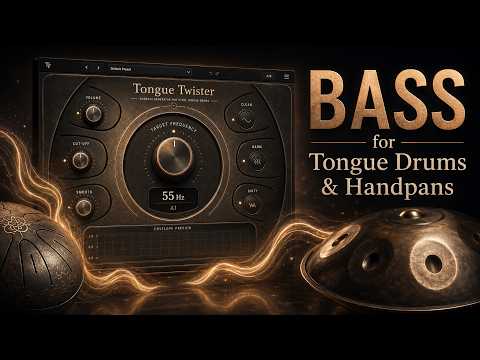
Introduction & Deep Dive
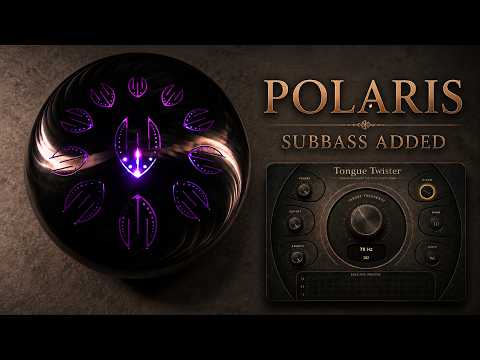
Polaris Scale Showcase
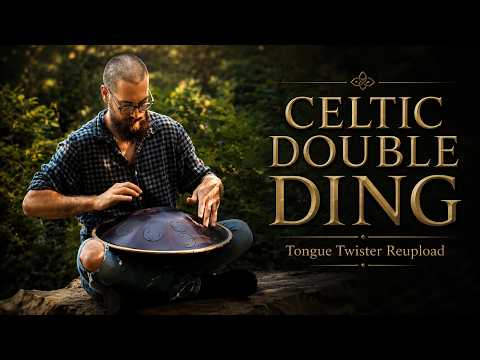
Rav Vast Celtic Minor
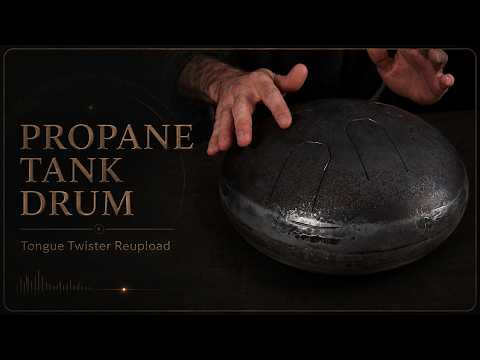
Scale Demonstration
Parameters
Controls the gain of the synthesized sub-bass tone to blend it into your mix.
Matches your drum's root note (40–300 Hz). Enter manually or select via note dropdown.
Lowpass filter (50–400 Hz) to roll off top-end harmonics of the sub-bass.
Select Clean (pure sine), Warm (tube-like saturation), or Dirty (heavy saturation).
Adjusts envelope response: fast settings react to mallets, slow settings smooth tongue drum textures.
A scrolling oscilloscope displaying the generated subharmonic amplitude matching your hits.
Quick Copy & Paste Setup
Tongue Twister works without an installer. Just copy the file into your DAW's VST3 folder!
Download the Windows ZIP file from the download section below.
Extract the ZIP file to locate the folder named Tongue Twister.vst3.
Copy and paste the Tongue Twister.vst3 folder into your VST3 folder:
C:\Program Files\Common Files\VST3\
Restart your DAW (e.g., Ableton Live, FL Studio, Reaper) and scan for plugins.

Hi, I'm Jonathan.
In 2018 I uploaded my first tongue drum video to YouTube and have since then played different drums from different manufacturers.
I created Tongue Twister because I love the sound of these drums, but felt that the vibrations you feel when playing them live lacked in recordings.
Adding extra energy in the bass range conveys this feeling. However, simply laying a (synth) bass track underneath didn’t have the desired effect, as it always sounded like an additional instrument that was too disconnected from the sonic behaviour of the tongue drums. Traditional bass enhancers, on the other hand, also amplified mud and impact noise.
I am sharing Tongue Twister for free so that anyone can enhance their scale drum recordings.
Download Tongue Twister
Compatible with 64-bit DAWs on Windows.